

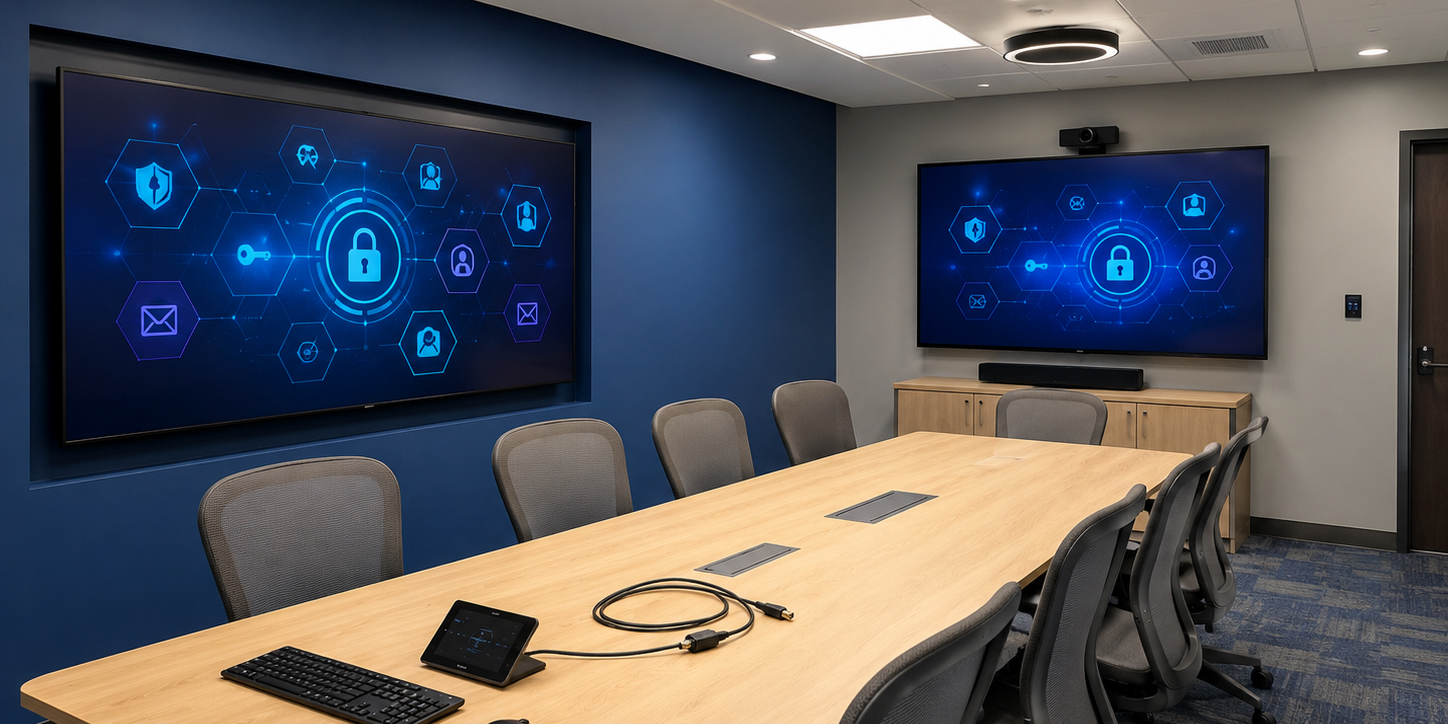
Smart meeting rooms have become a cybersecurity risk that most businesses simply aren’t thinking about — and that’s exactly what makes them dangerous.
Walk into a modern meeting room and the technology is impressive. Cameras that follow the speaker automatically. Microphones that eliminate background noise. Screens that light up the moment you walk in. AI assistants that take notes, summarise decisions, and send action items before you’ve left the building.
It all feels seamless. It all feels safe.
But here’s the question most businesses never ask: who else has access to that room?
Not physically — digitally. Smart meeting rooms are packed with connected devices: IP cameras, smart displays, room booking systems, wireless presentation tools, AI transcription software, and audio processors. Every one of those devices is a potential entry point for a cyberattack.
In 2026, with hybrid work now standard and AI deeply embedded in meeting room technology, the attack surface of a typical office has expanded dramatically. In this post, we break down the real cybersecurity risks hiding inside your smart meeting room — and what you can do about them.
Why Smart Meeting Rooms Are a Target
Meeting rooms are not traditionally thought of as a cybersecurity concern. The focus tends to be on endpoints like laptops and phones, or on cloud platforms like email and Microsoft 365. But AV equipment is increasingly networked, increasingly intelligent, and increasingly overlooked by IT security teams.
Smart office devices share a set of common traits that make them attractive to attackers:
- They are installed and largely forgotten
- They run quietly in the background without regular monitoring
- They rarely receive firmware updates
- They often sit on the internal network alongside sensitive systems
- IT teams don’t always track or audit them
Attackers love anything that’s ignored. And meeting rooms — particularly those used by senior leadership, finance teams, or legal — contain extraordinarily sensitive conversations.

The 5 Biggest Smart Meeting Room Security Risks
1. Cameras with Default or Weak Credentials
IP cameras are among the most common and most exploited devices in any office environment. Many ship with default admin usernames and passwords that are never changed during installation. Older models run outdated firmware with known vulnerabilities. In some cases, video streams are transmitted without encryption.
According to 2025–2026 threat intelligence data, 60% of IoT devices have unpatched known vulnerabilities — many of them more than two years old (Deepstrike, 2025). Office cameras and AV hardware are no exception.
An attacker who gains access to a meeting room camera doesn’t just get a live feed — they potentially gain a foothold on your internal network, from which they can move laterally to more sensitive systems.
What to do: Change default credentials immediately on all AV hardware. Enforce regular firmware updates. Ensure video streams are encrypted. Place cameras on a separate, segmented network.
2. AI Meeting Assistants and Data Sovereignty
This is one of the fastest-growing risks in 2026, and one of the least understood. AI meeting assistants — tools that record, transcribe, and summarise your meetings — are now widely used across businesses of all sizes. They are genuinely useful. They are also a potential data liability.
When an AI assistant records a meeting, the conversation typically leaves your building entirely. Audio files and transcripts are uploaded to cloud servers operated by the software provider, where they are stored and processed. That means your product roadmaps, legal strategy, financial projections, HR discussions, and executive decisions can become part of a database you don’t control.
Businesses need to ask: if sensitive meeting data leaves our network, whose laws govern what happens to it? Does the provider’s data retention policy meet your compliance requirements? What happens in the event of a breach at their end?
What to do: Review the data policies of every AI meeting tool in use. Prefer solutions that process audio locally or offer on-premises deployment for sensitive use cases. Ensure your AI meeting tools are part of your data governance policy.

3. Wireless Presentation Systems and Network Exposure
Wireless presentation devices — the small dongles or room-based units that let you share your screen without cables — are hugely convenient. They are also frequently under-secured.
Many of these devices create their own ad hoc Wi-Fi networks, or connect to the corporate network without being properly segmented. In a bring-your-own-device (BYOD) environment, any laptop or phone that connects to the presentation system could introduce malware to your network. Equally, a poorly configured presentation device can expose your internal network to anyone within wireless range.
What to do: Audit all wireless presentation systems. Ensure they sit on a guest or isolated VLAN rather than on the main corporate network. Regularly update firmware and disable features that are not in use.
4. Smart Room Booking Systems and Physical Security
Room booking systems — touchscreens outside meeting rooms, integrated calendar platforms, occupancy sensors — are increasingly connected to identity systems like Active Directory. This integration is powerful, but it creates new risks.
A vulnerability in a room booking system could expose user account information. A poorly secured booking app might allow an attacker to enumerate employee names, meeting titles, or attendee lists — useful intelligence for social engineering attacks. Physical access control systems linked to these platforms could also be compromised, allowing unauthorised physical entry.
What to do: Treat room booking systems as enterprise applications, not peripheral hardware. Apply the same access controls, patching schedules, and security reviews you would to any other business system.
5. Deepfake Audio and Video in Meetings
This is the threat that is genuinely new in 2026. As AI-generated audio and video becomes more convincing, attackers are using it to impersonate executives and trusted colleagues on video calls.
Deepfake audio in voice phishing (vishing) attacks is a rising threat specifically targeting collaboration platforms like Microsoft Teams. Businesses in professional services, finance, and healthcare are already reporting cases where employees received calls from convincing audio clones of executives requesting urgent fund transfers or access credentials.
This isn’t science fiction. It is happening now, and smart meeting rooms with always-on microphones and cameras present a new surface for this type of attack.
What to do: Implement verification procedures for any request involving financial transfers or sensitive access, regardless of how convincing the voice or video appears. Explore platforms that offer deepfake detection and biometric authentication for video calls.
Don’t Let Convenience Become Your Biggest Vulnerability
The appeal of smart meeting room technology is real. Fewer cables, better audio, smarter collaboration, less time wasted on technical setup. These are genuine benefits, and the businesses that invest in well-designed AV environments are more productive and more professional as a result.
But convenience has a way of outpacing security. Devices get deployed quickly and quietly. Default settings never get changed. Software stops getting updated. And before long, the boardroom where your most sensitive conversations happen is one of the least secure rooms in the building.
The good news is that this is fixable — and it doesn’t require ripping out your investment in smart technology. It requires the right expertise and a proactive approach to security.
How ForTech Solutions Can Help
At ForTech Solutions, we design and deploy smart meeting room environments that are built for both performance and security. Our approach combines professional AV integration with IT security best practices — so you get the meeting room experience your business deserves, without the hidden risks.
Our services include:
- AV security audits — we review your existing meeting room technology for vulnerabilities and give you a clear picture of your exposure
- Secure AV deployment — we design and install smart meeting room systems with network segmentation and proper configuration from day one
- Managed IT services — we provide ongoing monitoring, patching, and support for your AV and wider IT estate
- Staff security awareness training — we help your team understand and respond to emerging threats like deepfake attacks
If you’re not sure whether your current meeting room setup is secure, the honest answer is: it probably isn’t. Most aren’t. But it’s a straightforward problem to fix, and it’s exactly what we’re here for.
Get in touch with our team today for a no-obligation AV security assessment, and find out exactly where your meeting rooms stand.